Find the right HSN or SAC code for your products and services with our HSN and SAC Code Finder. Search by name or code for easy GST invoicing.
HSN and SAC Code Finder
Avoid HSN or SAC Mistakes in Your Billing
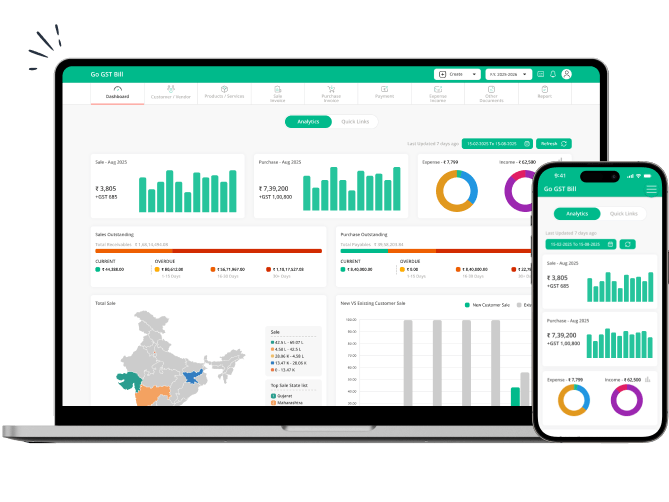
Found the HSN or SAC code you need? Add it to your GST invoices effortlessly with Go GST Bill. Manage products, services, customers, GST rates, and billing — all in one place.
How Many HSN and SAC Digits Are Required for GST Invoices?
The number of digits required can depend on your turnover and the type of goods or services you supply. Knowing the applicable requirement can help you use the right HSN or SAC digits on your GST invoices.
Search HSN & SAC Codes Easily
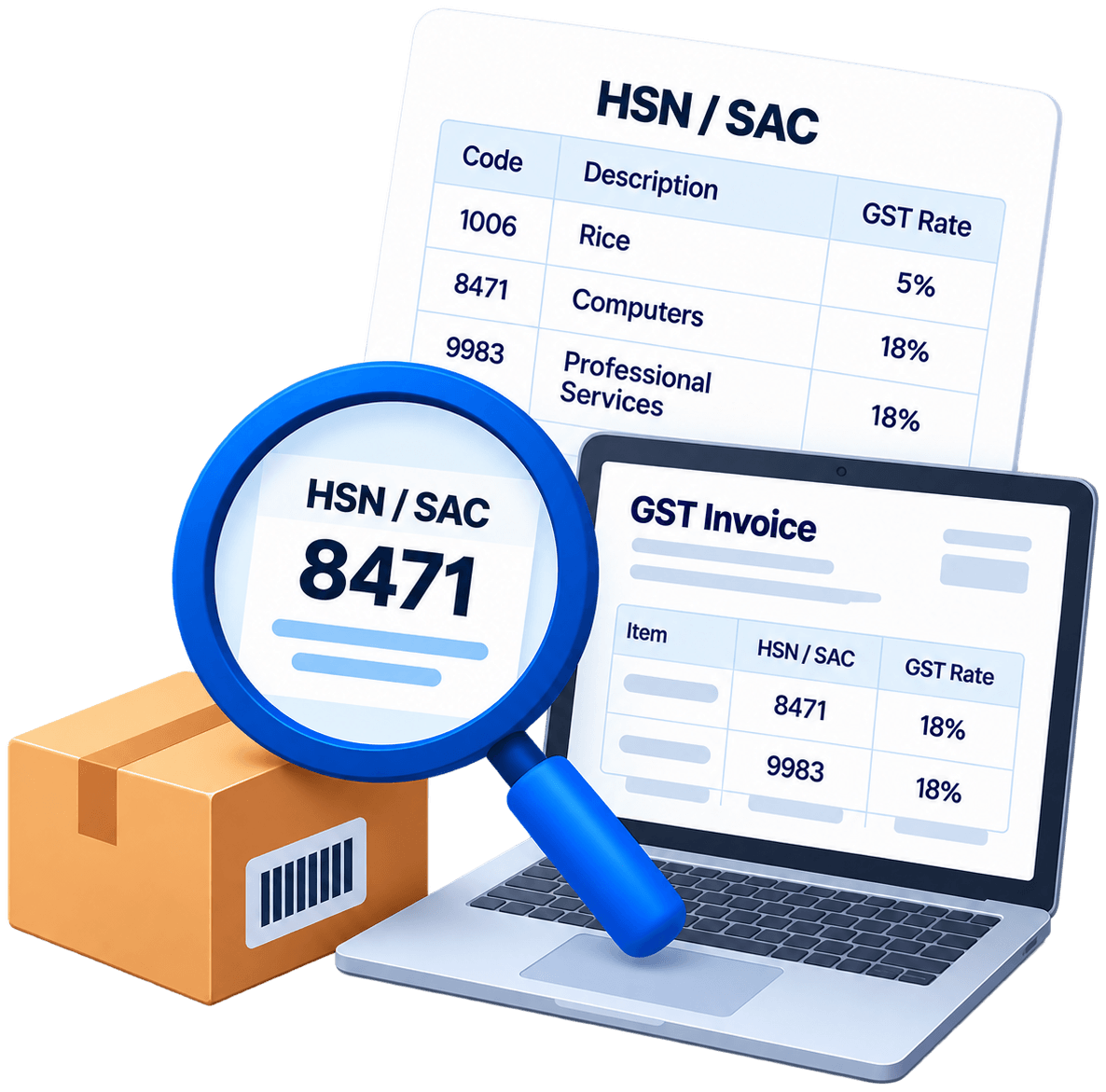
Looking for a quick way to find the right classification for your products or services? Go GST Bill’s HSN and SAC code finder helps you search for relevant codes without going through lengthy code lists.
You can search the HSN and SAC codes by using the name of a product or service. Also, if you already know the HSN or SAC code, you can enter it in the finder. This makes it easier to find HSN and SAC codes for products and services, respectively.
Frequently Asked Questions
1. What is an HSN code?
An HSN code is a number that helps in classifying goods under GST. It helps businesses identify their products correctly on invoices and in GST records. The right HSN code depends on the type of product you sell or supply.
2. What is a SAC code in GST?
A SAC code (Services Accounting Code) is a number used to classify services under GST. It helps businesses identify the type of service they provide on invoices and GST records. The right SAC code depends on the nature of the service.
The code helps businesses:
The code helps businesses:
- Identify the type of service supplied
- Maintain consistent GST records
- Include the relevant classification on invoices where required
- Support GST-related reporting
3. What is the difference between an HSN code and a SAC code?
HSN codes are used for goods, while SAC codes are used for services. The appropriate classification depends on what your business supplies.
HSN: Used for physical products and goods.
SAC: Used for services supplied by businesses and professionals.
HSN: Used for physical products and goods.
SAC: Used for services supplied by businesses and professionals.
4. How can I find an HSN code by product name?
You can use Go GST Bill’s HSN and SAC code finder. With the help of our code finder, you can search using the name or description of your product. To get relevant results, avoid entering the broad category. You must know the specific product name.
5. How is an HSN or SAC code structured?
HSN and SAC codes are made up of numbers. HSN is for goods, while SAC is for services. The digits help identify what the product or service is.
The first few digits give a broader idea of the category. The remaining digits narrow it down further. This is why two products that look similar can still have different HSN codes.
The number of digits required on an invoice can also depend on the applicable GST rules and your business turnover. So, check the required number of digits before adding the code to your invoice.
The first few digits give a broader idea of the category. The remaining digits narrow it down further. This is why two products that look similar can still have different HSN codes.
The number of digits required on an invoice can also depend on the applicable GST rules and your business turnover. So, check the required number of digits before adding the code to your invoice.
6. What are common HSN and SAC code mistakes, and how can you avoid them?
Choosing an HSN or SAC code can sometimes be confusing. Two products may look similar but have different HSN codes. The same goes for services. A wrong digit or an old code can also end up on an invoice.
Here are some mistakes that can happen:
How to Avoid These Mistakes?
Always match the code with the actual product or service on the invoice. Don’t copy a code from an old bill without checking it first. If you are unsure, look up the product or service in the HSN and SAC code finder.
Here are some mistakes that can happen:
- Picking the wrong HSN: A similar product may have a different HSN code.
- Using HSN for a service: HSN is for goods. For a service, you need the SAC code.
- Typing the wrong number: A single incorrect digit can give you a different code.
- Using an old code: Don’t assume the code on an old invoice is still the right one.
How to Avoid These Mistakes?
Always match the code with the actual product or service on the invoice. Don’t copy a code from an old bill without checking it first. If you are unsure, look up the product or service in the HSN and SAC code finder.
7. How do I find the SAC code for a service?
You can find a SAC code by searching for the service you provide. Enter the service name in the SAC code finder and check the results to find the relevant code.
8. Why is the correct HSN or SAC code important on a GST invoice?
The correct classification helps describe what you are selling or supplying and keeps your GST invoices more accurate and consistent.
Using the appropriate code can help with:
Using the appropriate code can help with:
- Product and service classification
- Consistent billing records
- GST invoice preparation
- GST-related reporting
9. Can I use the HSN and SAC code finder for services?
Yes. You can use the finder for both SAC codes for services and HSN codes for goods. Enter the name or description of the service to find the relevant SAC code. It works for businesses that sell products, provide services, or do both.
10. Does the HSN and SAC code finder calculate GST rates?
The finder is primarily designed to help you search for HSN and SAC classifications. To calculate the GST rate, you’ll need a GST calculation tool. It will help you to determine the tax amount on a transaction.
For GST calculations, you can use Go GST Bill’s GST Calculator. It will help you to find out the applicable tax amount based on the GST rate and transaction value.
For GST calculations, you can use Go GST Bill’s GST Calculator. It will help you to find out the applicable tax amount based on the GST rate and transaction value.
11. Can I use HSN and SAC codes while creating GST invoices?
Yes. Add the relevant HSN or SAC code to the product or service while creating your GST invoice. This keeps the invoice details clear and complete.
A GST Billing Solution can make this process easier by helping you manage:
A GST Billing Solution can make this process easier by helping you manage:
- Products and services
- HSN and SAC details
- GST rates
- Customer information
- GST invoices and billing records
12. How much does Go GST Bill cost?
Go GST Bill offers different options based on your business and billing requirements. There is a FREE plan and for the rest of the information, you can visit the Pricing page.
This can help you choose an option based on the features your business needs rather than paying for tools you may not use.
This can help you choose an option based on the features your business needs rather than paying for tools you may not use.
Turn Your HSN Search into Easy Billing
Found the HSN or SAC code you need? Now, take the next step and create GST invoices with Go GST Bill. Manage your products, services, customers, taxes, and billing records from one convenient platform.