Check any GST number online with Go GST Bill’s GST Number Checker. Find GST details and check your supplier’s registration status. Verify the details before creating your next invoice.
GST Number Checker
From GST Verification to Easy GST Billing
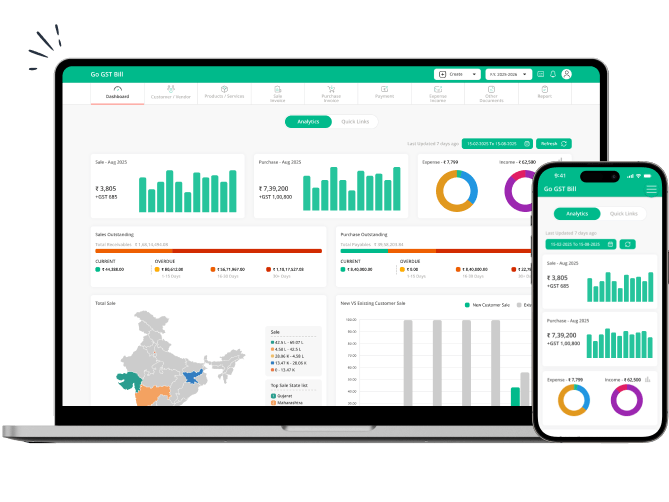
Found the details you need with our GST number checker? Create GST-compliant invoices with Go GST Bill and manage your billing records.
Why Should You Verify a GST Number Before Creating an Invoice?
Before working with a new supplier, check their GST number. Go GST Bill’s GST number checker shows the available GST details and registration status. Check these details before adding a supplier to your records or creating an invoice.
Check GST Registration Details Online
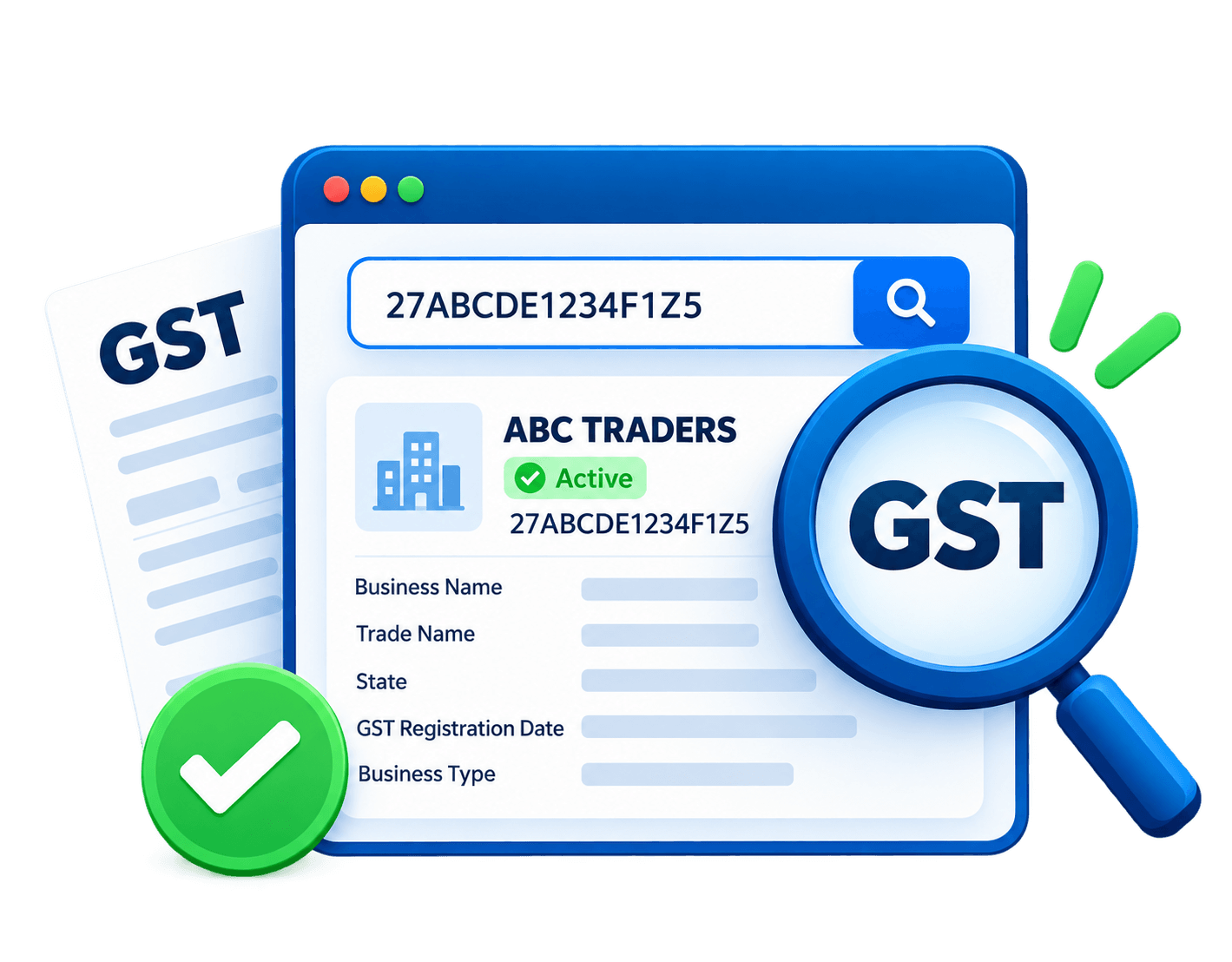
Got a new supplier? Before adding their details to your records, check their GST number. Enter the GSTIN in the search box to see the available registration details and find out whether the registration is active. It’s a quick way to check the information shared by the supplier.
GST number search is helpful in case you receive an invoice from a business for whom you have never had dealings. In case there is any difference, then you can act to resolve it. This simple process makes sure that your billing process goes smoothly.
Frequently Asked Questions
1. What is a GST number checker?
A GST number checker helps you find details linked to a GSTIN. You can check the business name and registration status online. This makes it easier to check a supplier's details before creating an invoice.
2. How can I search for a GST number online?
Follow these steps to perform a GST number search:
- Open a GST number checker tool.
- Enter the 15-character GSTIN in the search field.
- Submit the number to retrieve the available details.
- Review the results and check the registration information.
3. How do I verify a GST number online?
Enter the GSTIN in the Go GST Bill GST number checker to view the available business details. Check the registration status and compare the details with the supplier’s information. You can also check the GSTIN on the official GST portal. If anything looks wrong, ask the supplier to confirm the details.
4. What information can I find using a GST number search?
Depending on the tool and available records, a GST number search may show:
- Legal business name
- Trade name
- GST registration status
- Taxpayer type
- Registration date
- Principal place of business
5. How many characters are there in a GST number?
A GST Identification Number (GSTIN) contains 15 alphanumeric characters. Its structure includes:
- First two characters: State code
- Next ten characters: PAN of the taxpayer
- Thirteenth character: Entity number under the same PAN
- Fourteenth character: Default character, usually Z
- Fifteenth character: Checksum character used for validation
6. Can I check whether a GST number is active or cancelled?
Yes, Go GST Bill's GST number checker lets you check a GSTIN and its registration status online. Enter the GST number to view the available details. Check the status before using a supplier's GST details for billing.
7. Is the Go GST Bill’s GST number checker free to use?
Yes, the Go GST Bill’s GST number checker is free to use. You can check GSTIN details and registration status without paying anything. Go GST Bill also offers a free plan to help you create invoices and manage your billing. Visit our Pricing page to compare plans and features.
8. Why should I verify a supplier's GST number?
Checking a supplier's GST number before doing business can save you from problems later. It helps you:
- Check if the registration details match the supplier's information.
- Catch errors before preparing invoices.
- Keep your billing records correct.
- Check GST details before making business decisions.
9. What should I do if a GST number search shows wrong details?
If a GST number search returns unexpected information, take these steps:
- Check for typing errors while entering the GSTIN.
- Re-enter the number and search again.
- Verify the details on the official GST portal.
- If the mismatch is not resolved, contact the business or the GST department.
10. Can I calculate GST online?
Yes, you can use Go GST Bill's GST Calculator to calculate GST on a product or service. Enter the amount and applicable GST rate to find the tax amount and total price.
11. How can I find the correct HSN or SAC code for a product or service?
You can use Go GST Bill's HSN and SAC Code Checker to find the relevant code for a product or service. These codes help classify goods and services under GST. You can find these and other useful tools on the GST Tools page.
Done Checking a GST Number? Start Billing with Go GST Bill
Once you’ve checked a GST number, use Go GST Bill to create invoices and manage your billing. Keep customer details, payments, and stock records in one place. Spend less time on billing tasks and more time running your business.