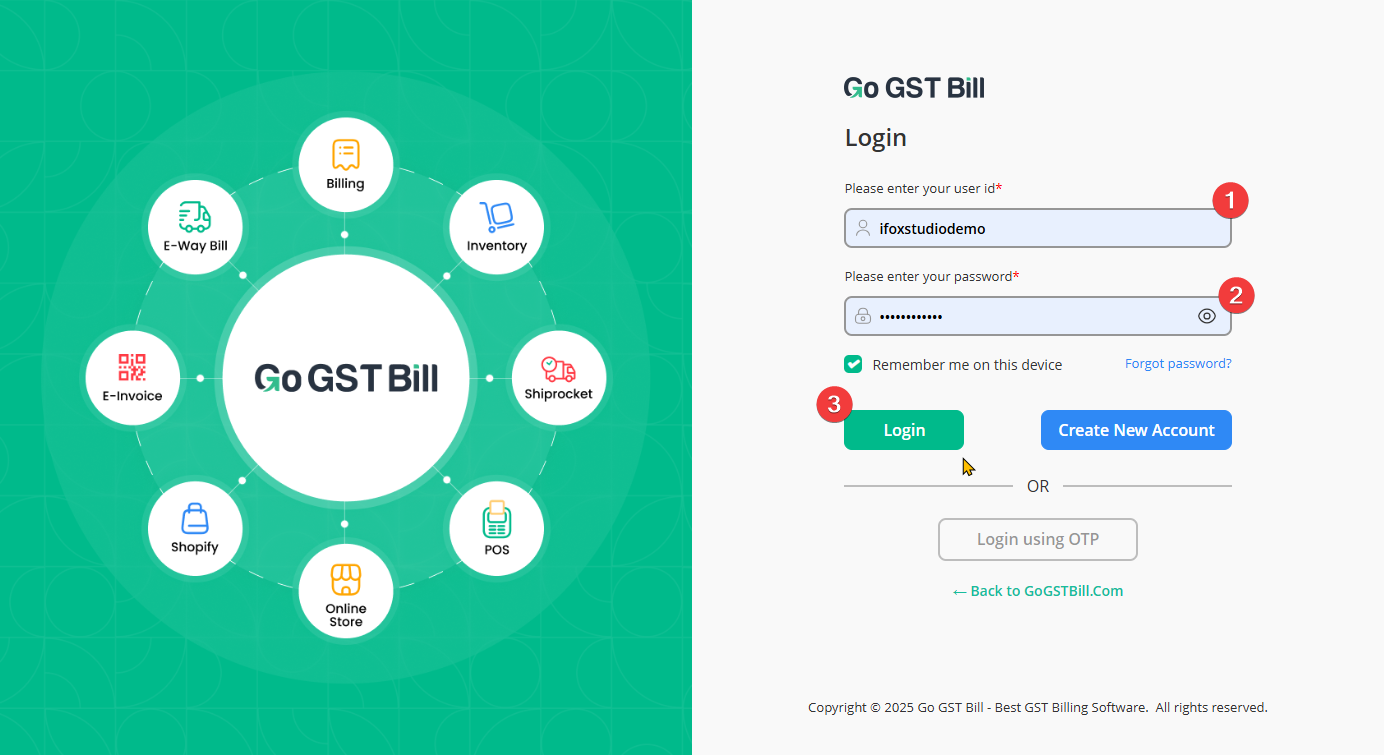
You can log in using three different methods. Here’s how each one works:
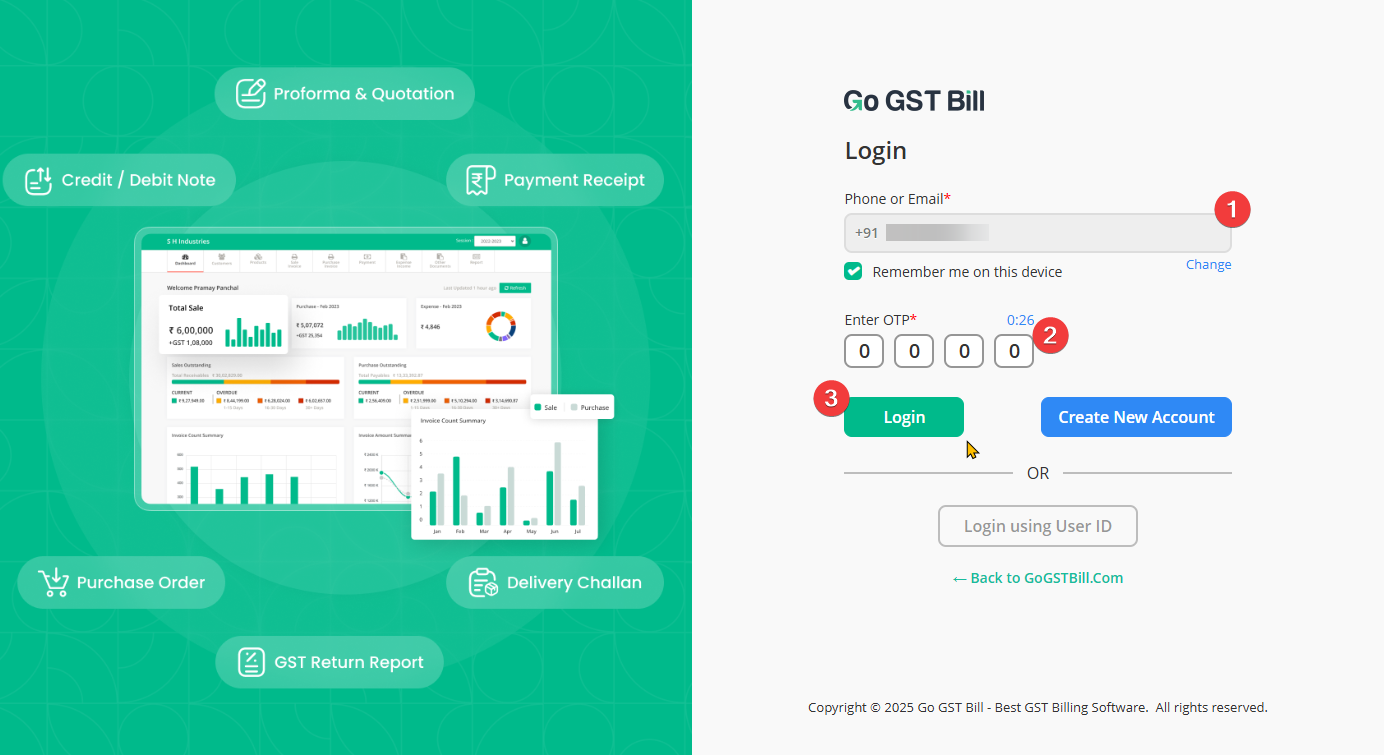
1. Login Using Phone Number & OTP
Step 1: Enter your registered phone number on the login screen and click on “Login”.
Step 2: You will receive an OTP on your mobile.
Step 3: Enter the OTP and you will be logged into your Go GST Bill account.
Note: If you want to stay logged in, tick on “Remember me on this device” before clicking on “Login”.
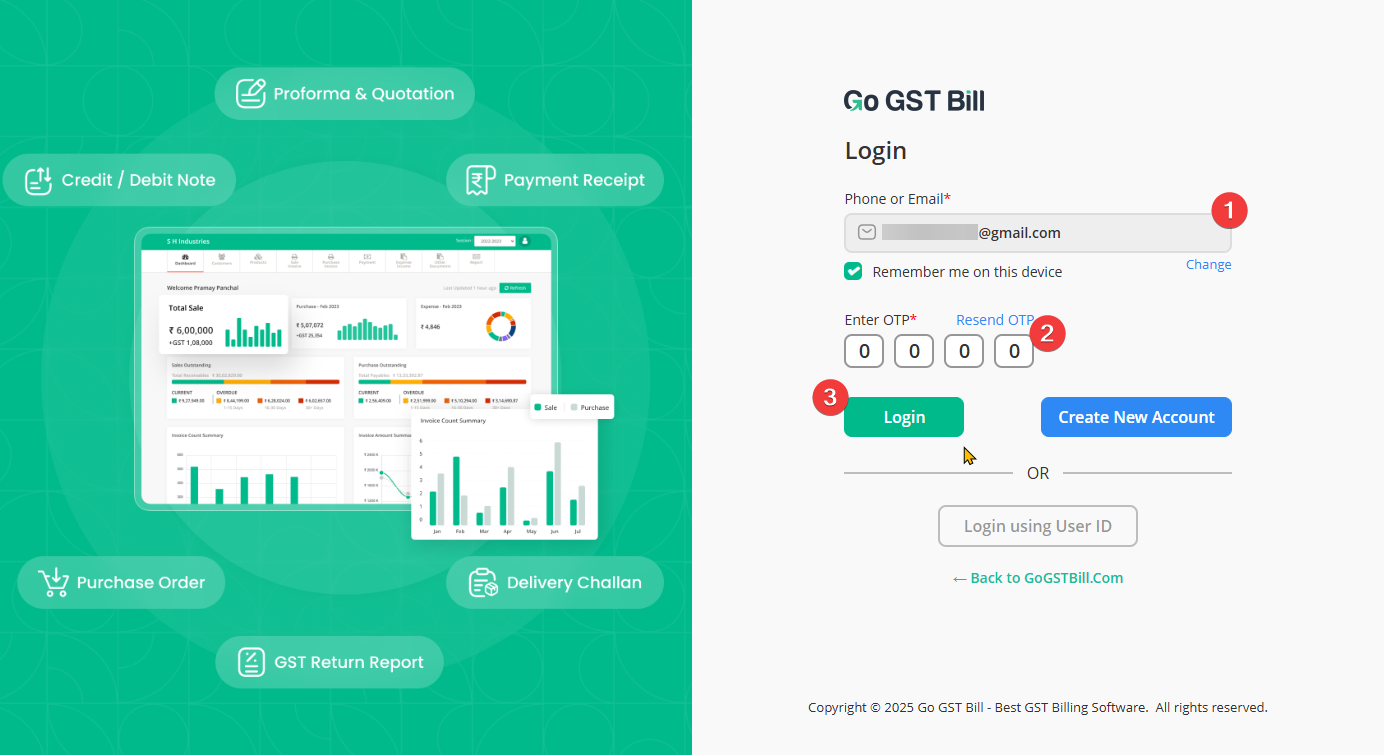
2. Login Using Email ID & OTP
Note: You must have a verified email ID added to your Go GST Bill account to use this method.
Step 1: Enter your registered email ID on the login page.
Step 2: Click on “Login” to receive an OTP on your email.
Step 3: Enter the OTP and access your account.
3. Login Using User ID & Password (No OTP Required)
Note: You need to generate your User ID and password from your account to use this method. Click here to view step-by-step instructions on how to generate your User ID and password.
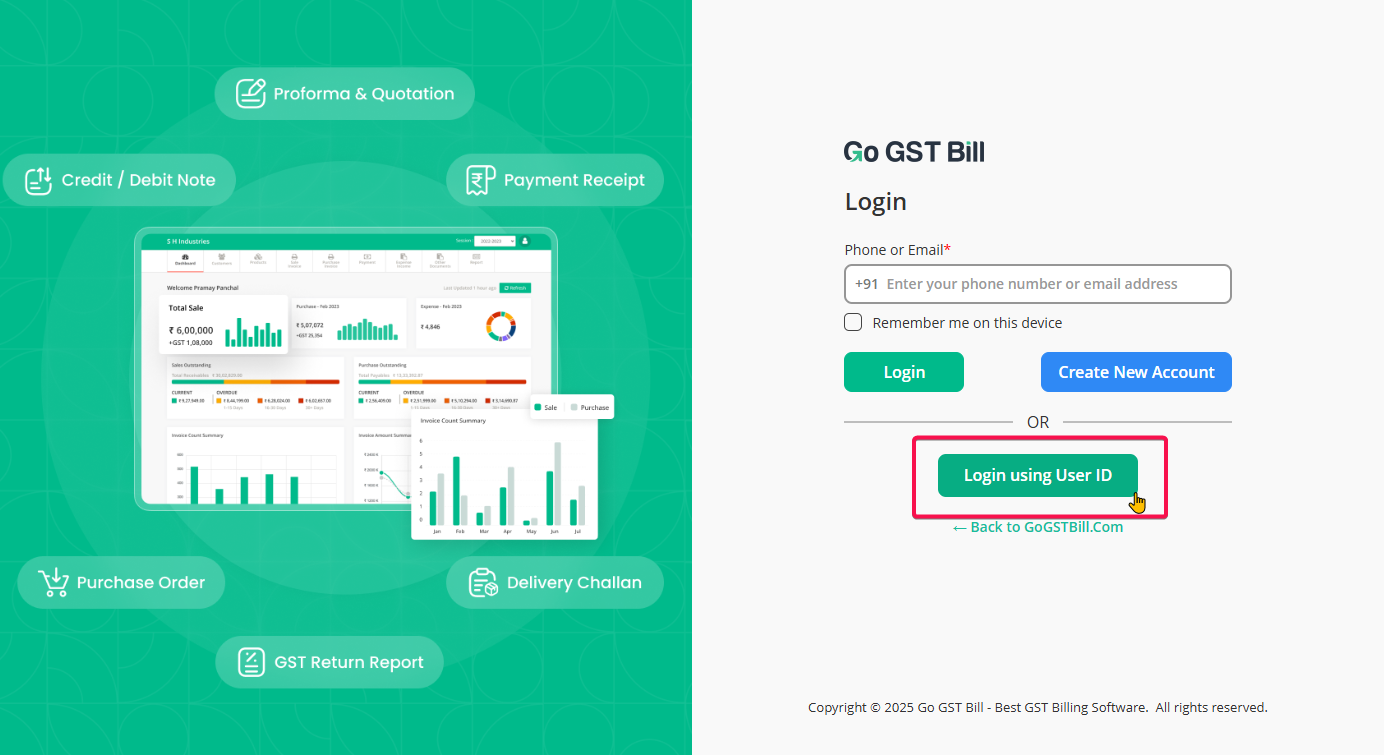
Step 1: On the login page, click on “Login using user Id”
Step 2: Now enter your User ID and Password and click on “Login” to access your account directly without OTP.