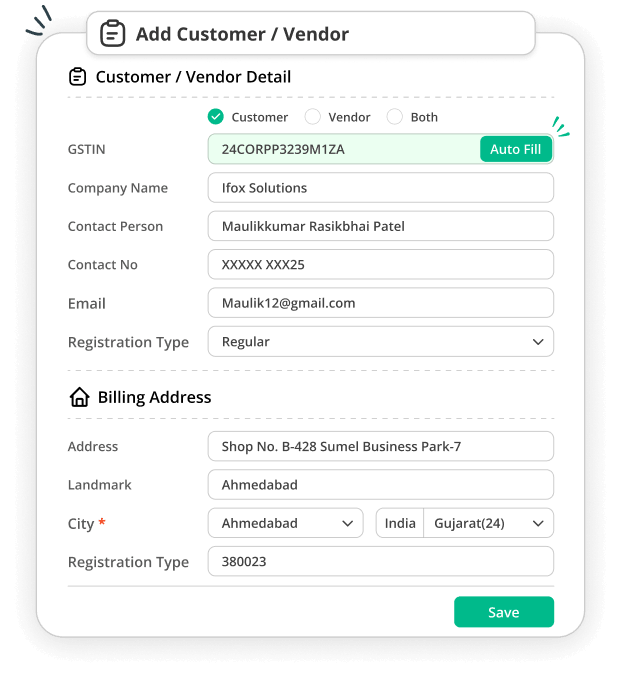
Enter a customer’s GSTIN to fetch available business details and add the customer faster, with less manual data entry.
Add Customers Using GSTIN in Just 1 Click
Benefits of Adding Customers Using GSTIN
Adding customers using GSTIN helps you save time by skipping lengthy manual data entry. Just enter the GSTIN, check the details, and save the customer for your next invoice.
Verified GST Information
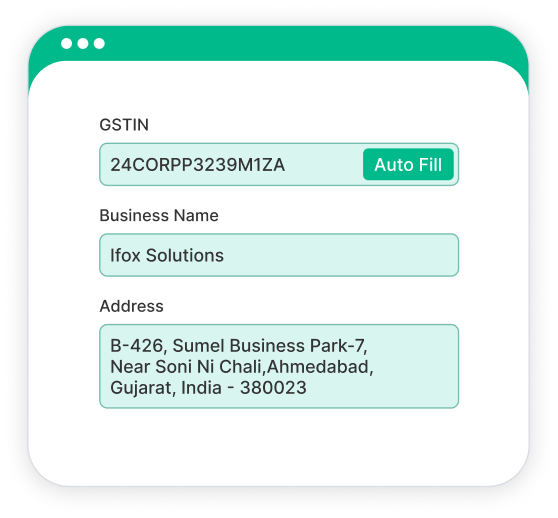
Automatically fetch accurate customer details from the GST portal by simply entering the GST number. This reduces typing errors and ensures every invoice is created with correct, verified business information.
Better Compliance
Stay fully GST compliant by using verified customer details. Avoid mismatches, incorrect filings, and penalties with accurate customer records maintained from day one.
Save Time & Effort
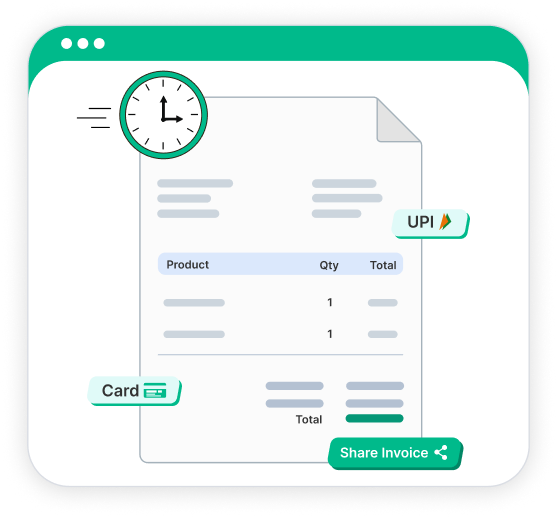
No need to fill out long forms to add customers. Just enter the GST number, and it will auto-fill all details instantly with just one click. This will speed up your billing process so you can focus more on growing your business.
Why Choose Go GST Bill?
Powerful GST billing software built to simplify invoicing, inventory, compliance, and everyday business operations.
Frequently Asked Questions
1. How Does GSTIN Auto-Fetch Work?
When you enter a valid GSTIN, Go GST Bill uses its GSP integration to fetch the available GST-registered business details. You can review the information before saving the customer record.
2. Can I Edit the Customer Details Before Saving?
Yes, you can check and edit the available fields before saving the customer record once the available customer details are fetched
3. What If My Customer Is Not GST-Registered?
You can still add the customer's details manually in Go GST Bill and save the record. This allows you to keep all your customer information organized in one place.
4. Is Adding Customers Using GSTIN Available in the Free Plan?
Yes. Go GST Bill offers a free plan that lets you manage your billing and customer records. You can check the plans on the pricing page.
5. Will My Go GST Bill Account Be Linked to the GST Portal?
No, your Go GST Bill account is not directly linked to the GST portal. GST details are accessed through the GSP integration used by Go GST Bill.
6. What Customer Details Can I Fetch Using GSTIN?
Using GSTIN, available business information can be fetched, which includes details such as the registered business name and address. The information available may depend on the GSTIN and the data returned through the integration.
7. Can I Add a Customer Using GSTIN From My Phone?
Yes. To add customers using GSTIN and manage your billing tasks, you can use Go GST Bill from your phone.
8. What Happens If the GSTIN Is Invalid?
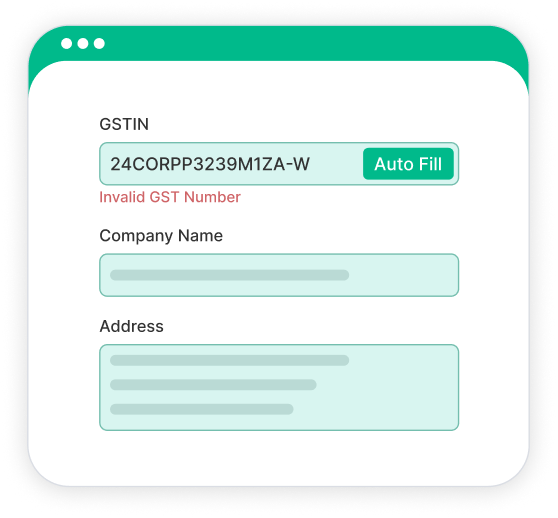
If the GSTIN is invalid or incorrect, the available customer details may not be fetched. Check the GSTIN carefully and try again with the correct details.
9. Do I Need to Enter Customer Details Manually After Fetching GSTIN Details?
Go GST Bill fetches the available customer information linked to the GSTIN, so you don't have to enter every detail from scratch. Before saving the details, you can review the information, edit the available fields, and add the customer to your records.
10. Can I Use the Saved Customer Details While Creating an Invoice?
Yes. Once you save the customer, the customer record can be used while creating invoices in Go GST Bill. This makes it easier to select an existing customer instead of entering their information again.
Instant GSTIN Verification
Simply enter the customer's GSTIN to automatically fetch their verified business details and confirm that the GSTIN is valid. Reduce manual data entry and speed up your billing process.